ViewCue turns any video into an interactive lesson.
ViewCue is a web app for teachers. Paste a YouTube link, add questions at any point in the video, then assign the lesson to your students or run it live with the whole class. ViewCue auto-grades responses and shows you who understood the material and who needs help.
Teachers can create a ViewCue account with an email and password, or sign in with Google. ViewCue only uses your Google account to verify your name and email address so we can create and secure your teacher account.
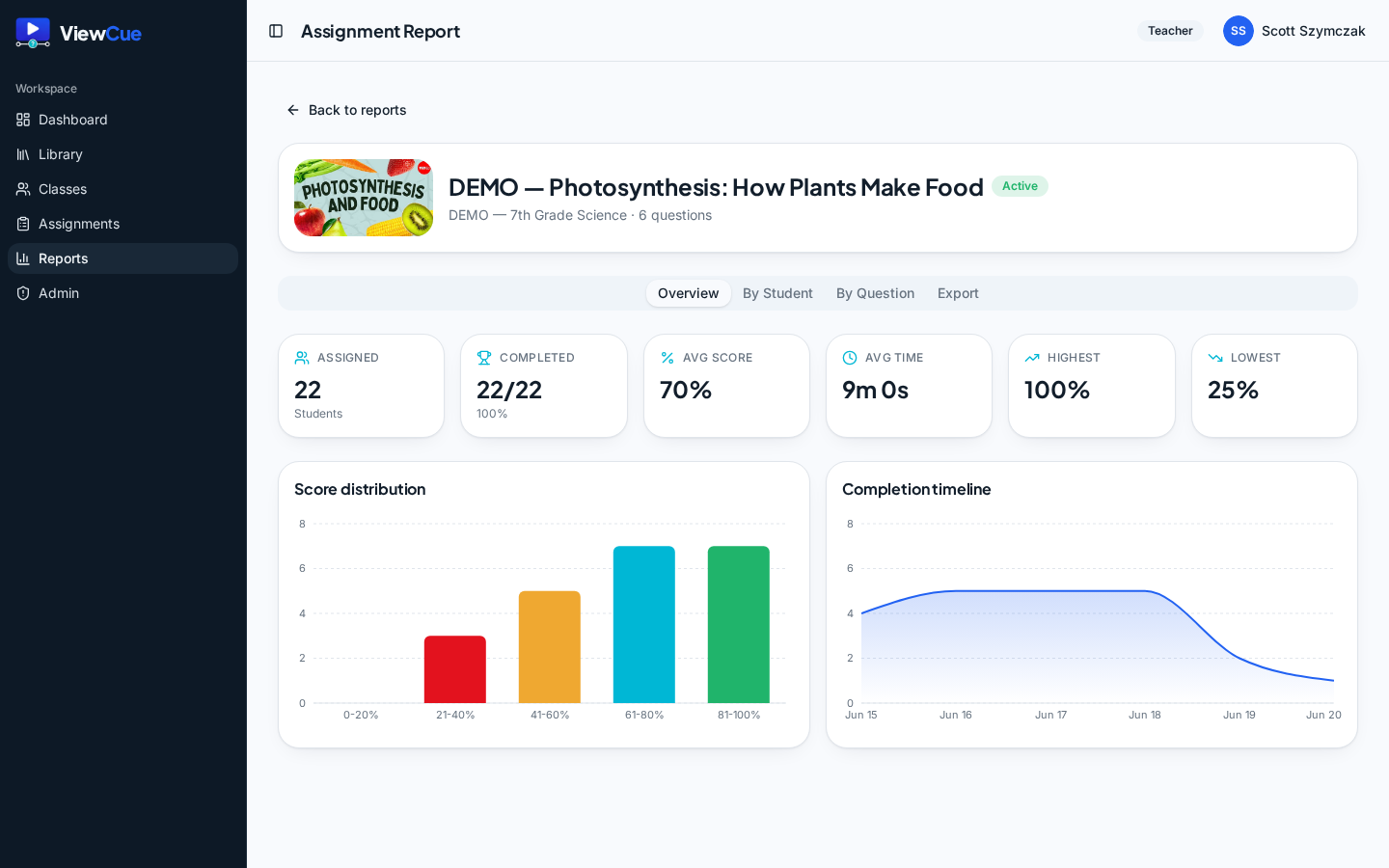
An actual ViewCue report — completion, average score, and growth at a glance. Shown with sample data from a demo classroom.
How it works
From video to working lesson in minutes
No new platform to learn. Three quick steps and your class is engaged.
Paste any YouTube video
Drop in a link and ViewCue loads the video, ready to build on.
Add questions — or let AI
Write your own at any timestamp, or generate them instantly from the transcript.
Assign or present live
Send to your classes for self-paced work, or run a live teacher-led session.
Made to save you time
Less prep and grading. More teaching.
Every feature is built to take work off your plate — so the tech fits your day instead of adding to it.
Stop writing comprehension questions from scratch
AI generates thoughtful questions straight from the video transcript — you review and edit, not start from a blank page.
Build once, reuse all year
Save questions to a library and duplicate whole assignments, so next term starts from what already worked.
Grading happens automatically
Responses are auto-scored and rolled into reports — get your evenings back instead of grading stacks.
One tool for live lessons and independent work
Run a live teacher-led session with presentation mode, or assign the same lesson for self-paced work.
See real growth, not just scores
Retakes with attempt-by-attempt comparison show improvement over time, not a single snapshot.
Engagement without the pressure
Calm gamification — XP, streaks, and badges — designed to encourage, not stress out anxious students.
See it in action
A real classroom, running on ViewCue
Reports, gamification, dashboards, and the student experience — the actual screens you and your students use, not mockups.
Every screenshot uses sample data from a demo classroom — no real student data is shown.
Growth you can actually see
Every assignment rolls up into a clear report — completion, average score, the high-to-low spread, and a score distribution that shows exactly where the class stands.
Motivation that rewards progress
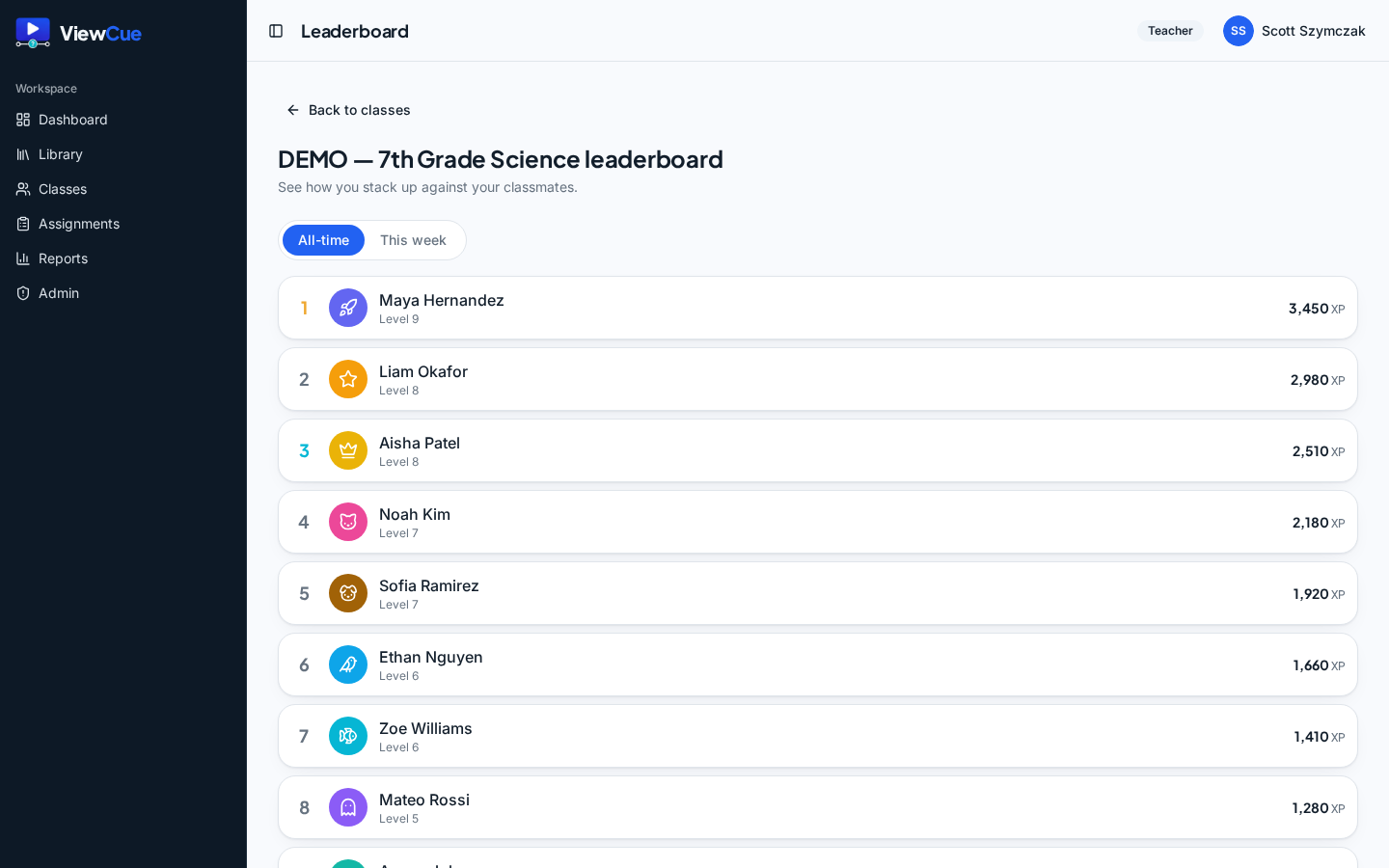
XP, levels, and a class leaderboard keep students engaged — calm encouragement that celebrates effort instead of piling on pressure.
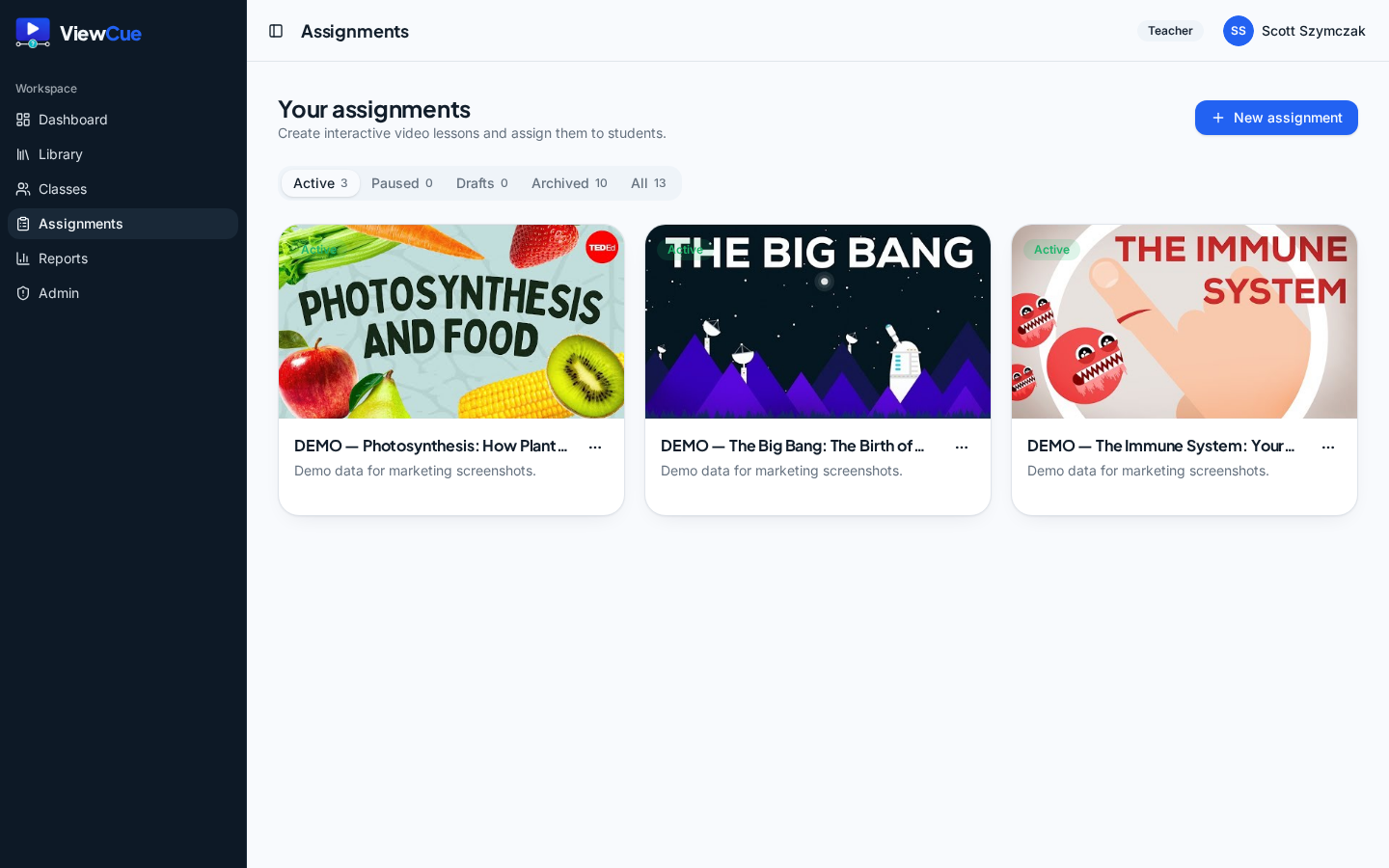
Your whole classroom at a glance
Recent activity, classes, and assignments in one home base — jump straight to the lesson or report you need.
Watch, respond, and learn in flow
Students answer questions right inside the video at the moments that matter — active learning instead of passive watching.
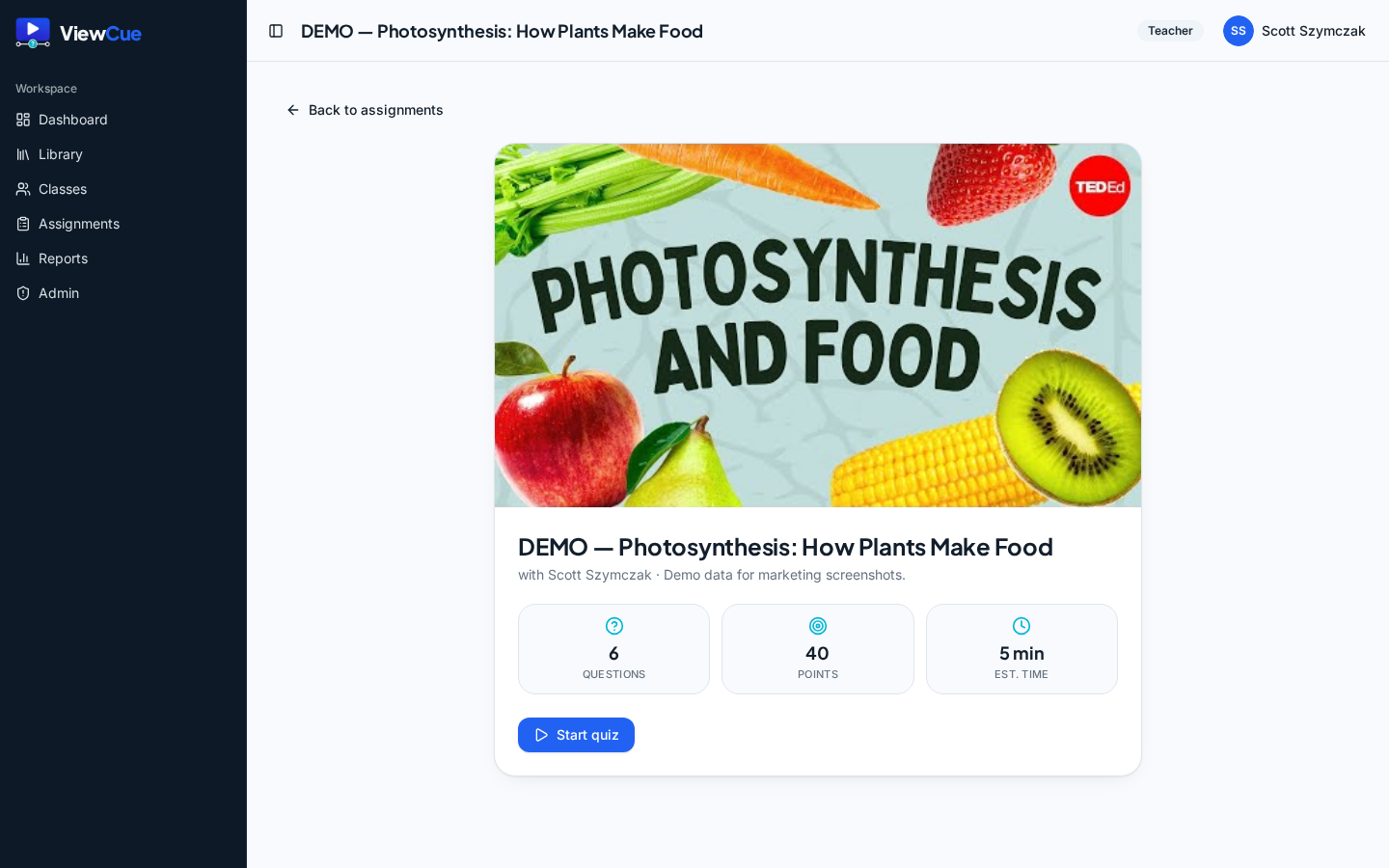
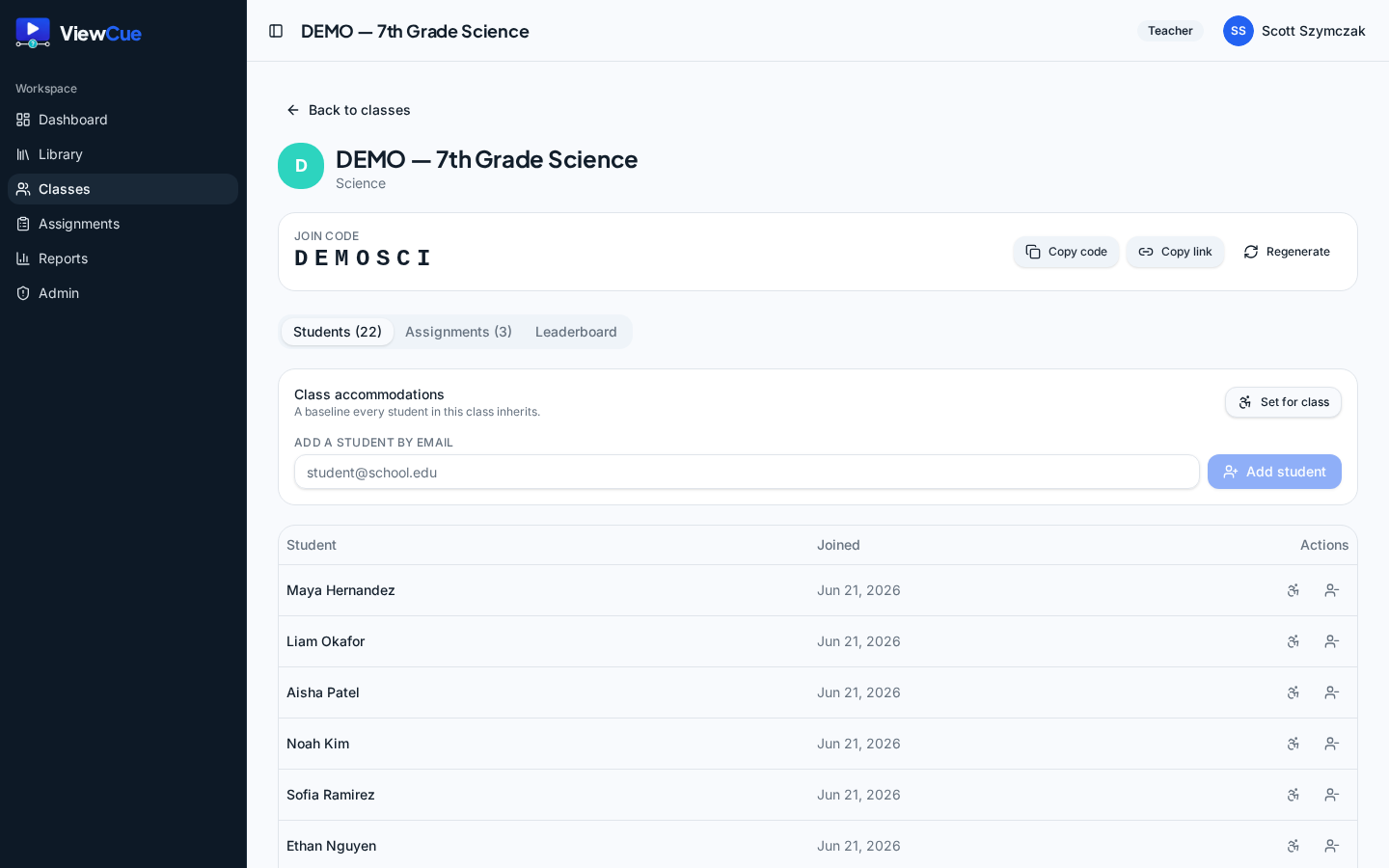
Set up a class in seconds
Share a join code, watch students appear on your roster, and manage assignments and leaderboards from one place.
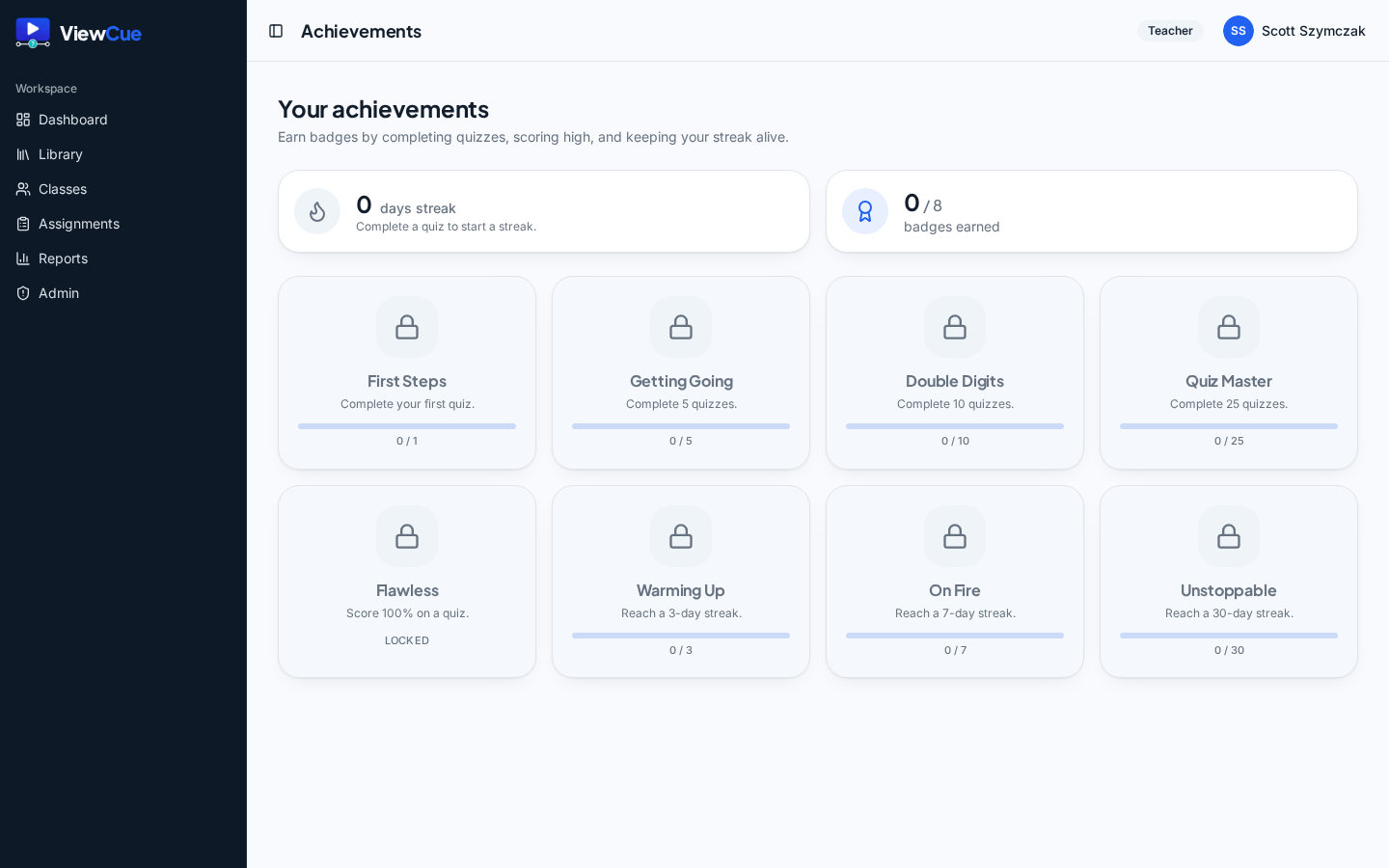
Badges that celebrate effort
Streaks, milestones, and quiz badges give students something to be proud of — encouragement that keeps them coming back.
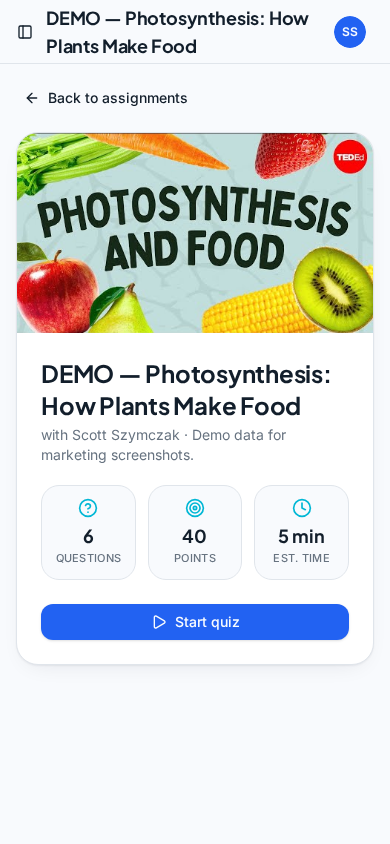
Works great on phones and tablets
ViewCue runs right in the browser, so students can watch and respond on whatever device they have — phones, Chromebooks, or tablets. No app to install.
Why ViewCue
What makes ViewCue different
ViewCue brings together the pieces teachers usually have to juggle across separate tools — in one calm, classroom-ready place.
Live and self-paced in one place
Lead a live session today and assign it for independent work tomorrow — no second tool to learn.
AI question generation built in
Turn a video transcript into ready-to-edit questions, included — not a bolt-on or upsell.
Calm, encouraging gamification
Motivation that rewards effort and progress, never high-pressure competition between students.
Growth tracking across attempts
Multiple attempts compared side by side, so improvement is visible to you and your students.
Built by a working teacher
Designed in a real classroom around how teaching actually works — practical, not bloated.
In your classroom
Picture it in your subject
If a video can teach it, ViewCue can make it interactive.
Science
Pause a lab demo or concept video to check understanding before the next step.
History & Social Studies
Add questions to documentaries or primary-source clips to keep close attention.
ELA
Drive close-reading and analysis with prompts during author interviews and readings.
Math
Break concept walkthroughs into checkpoints so steps actually land.
World Languages
Check listening comprehension at natural pauses in authentic video.
And more
Any subject where a video can teach — turn passive watching into active learning.
FAQ
Questions teachers ask first
Free to use today
ViewCue is currently free, with an optional paid tier planned for later. No hidden paywalls and no surprises — if that changes, we'll be upfront about it.
Built by a teacher
ViewCue was built by a special education teacher with 20+ years in the classroom. Every feature is designed around how teaching actually works — so it fits your day instead of adding to it.
Ready to make your videos interactive?
Create your first interactive lesson today — free to get started.
- No credit card required
- Set up in minutes